This site: how the docs are built
The documentation site is generated from the markdown files in docs/. They stay where they
are, so every link to docs/*.md (from the README, the launchers and para) keeps working and
nothing is written twice. Published at https://pdepaula.github.io/parastudio/.
Build and preview
You need uv (the art tools use it too). From the repository root:
uv run tools/docs/build.py            # build into tmp/site/ and check it; exit 1 on any finding
uv run tools/docs/build.py --serve    # the same, then serve it at http://127.0.0.1:8000/
uv reads the one dependency, markdown-it-py, pinned exactly in the script's header, and
installs it from tools/docs/build.py.lock (hashes included). Every URL in the output is
relative, so the same files work at the site's base path (/parastudio/) and on a local server.
Adding or moving a page
Write the page as docs/<name>.md with one # heading, then add it to NAV at the top of
tools/docs/build.py (the left navigation, in reading order). The build fails while a page is
missing from NAV. Link to other pages by their file, as on GitHub ([Testing](testing.md)); the
build turns that into the page's address. A link to a file outside docs/ (../AGENTS.md)
becomes a link to that file on GitHub. The home page is docs/index.md: its first paragraph sits
beside Pip at the top, and each ## section is a card.
What the build checks
The docs job in .github/workflows/ci.yml runs the build on every pull request and every push to
main, and fails on any of these:
- a page in
docs/that is not inNAV, or aNAVentry with no page - a relative link or image whose file does not exist, or a
#anchorwith no matching heading (README.md's links are checked too) - an absolute link (
/like/this), which would break under the site's base path - an image with no alt text
- headings out of order: one
#per page, and no level skipped on the way down - anything that looks like a home folder path with a real name in it, a tailnet address or an email address, in the sources or the built pages (the job prints only the first characters of what it found)
.github/workflows/pages.yml builds the same site on every push to main and deploys it to
GitHub Pages with actions/upload-pages-artifact and actions/deploy-pages.
The installers
The build also copies the one-line installers, tools/launcher/install.sh and
tools/launcher/install.ps1, to the site's root (install.sh, install.ps1;
Install with one line). It writes the commit it is built from (git rev-parse HEAD,
the commit Pages deploys) into the one empty PARASTUDIO_COMMIT line of each and changes nothing
else, so the published script clones exactly the code it was published with. There is no second
copy to keep in step: after the build, the docs job runs .github/scripts/installer-copy-check.sh,
which fails if a published installer is anything other than its source with that one line filled
in. The installer workflow (.github/workflows/installer.yml) runs the published copies end to
end on Linux, macOS and Windows runners.
The look
The site uses the Studio page's look (Studio internals): the same colour
tokens (royal purple and Nim gold), Nunito and Fredoka (copied from tools/para/studio/fonts/
into the site, so the page loads nothing from anywhere else) and Pip. The theme is
tools/docs/theme/: page.html, hero.html, pip.svg, site.css and site.js, which
holds the light / dark / follow-the-computer switch, the phone menu and search over an index the
build writes (search-index.js).
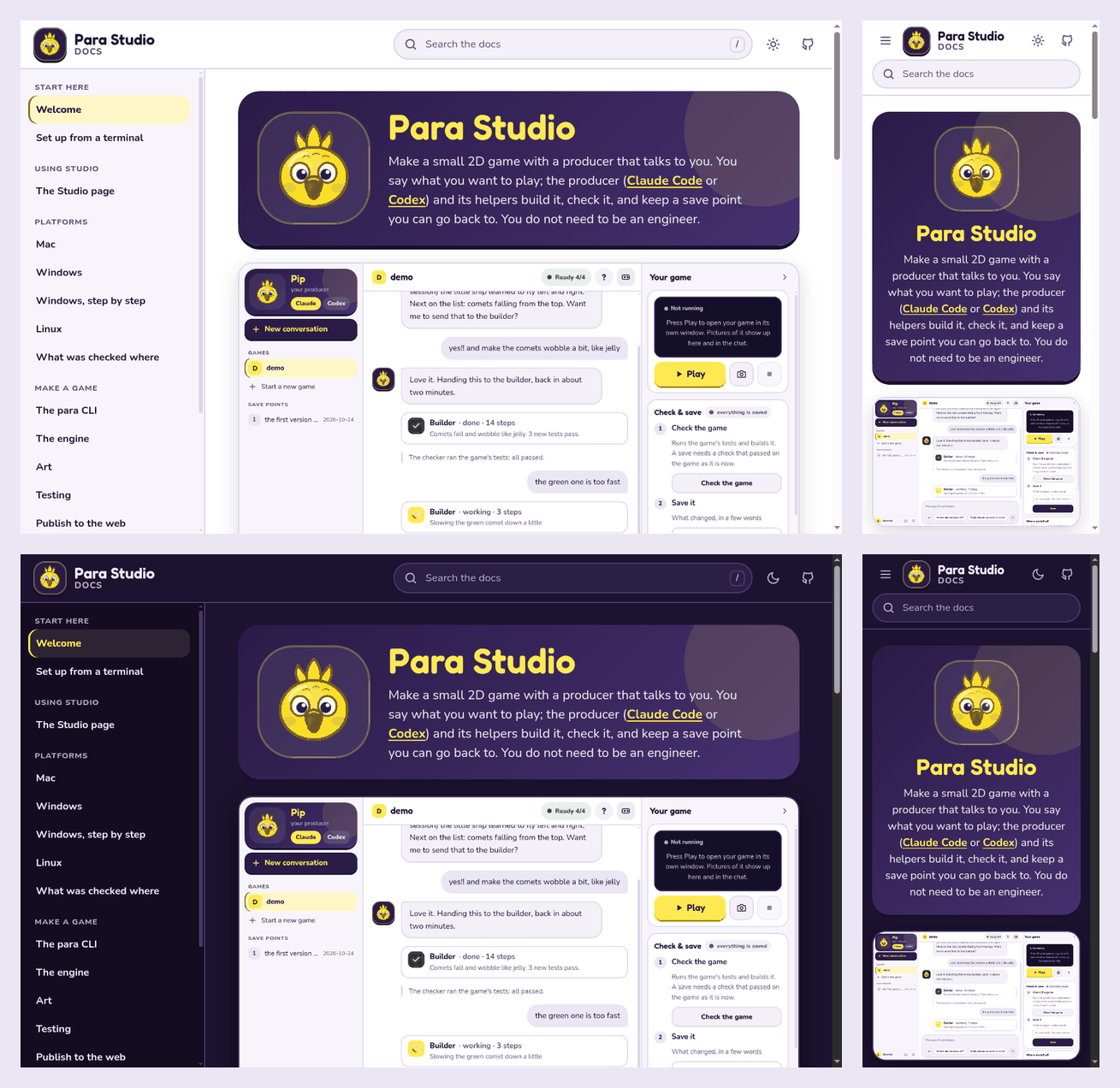
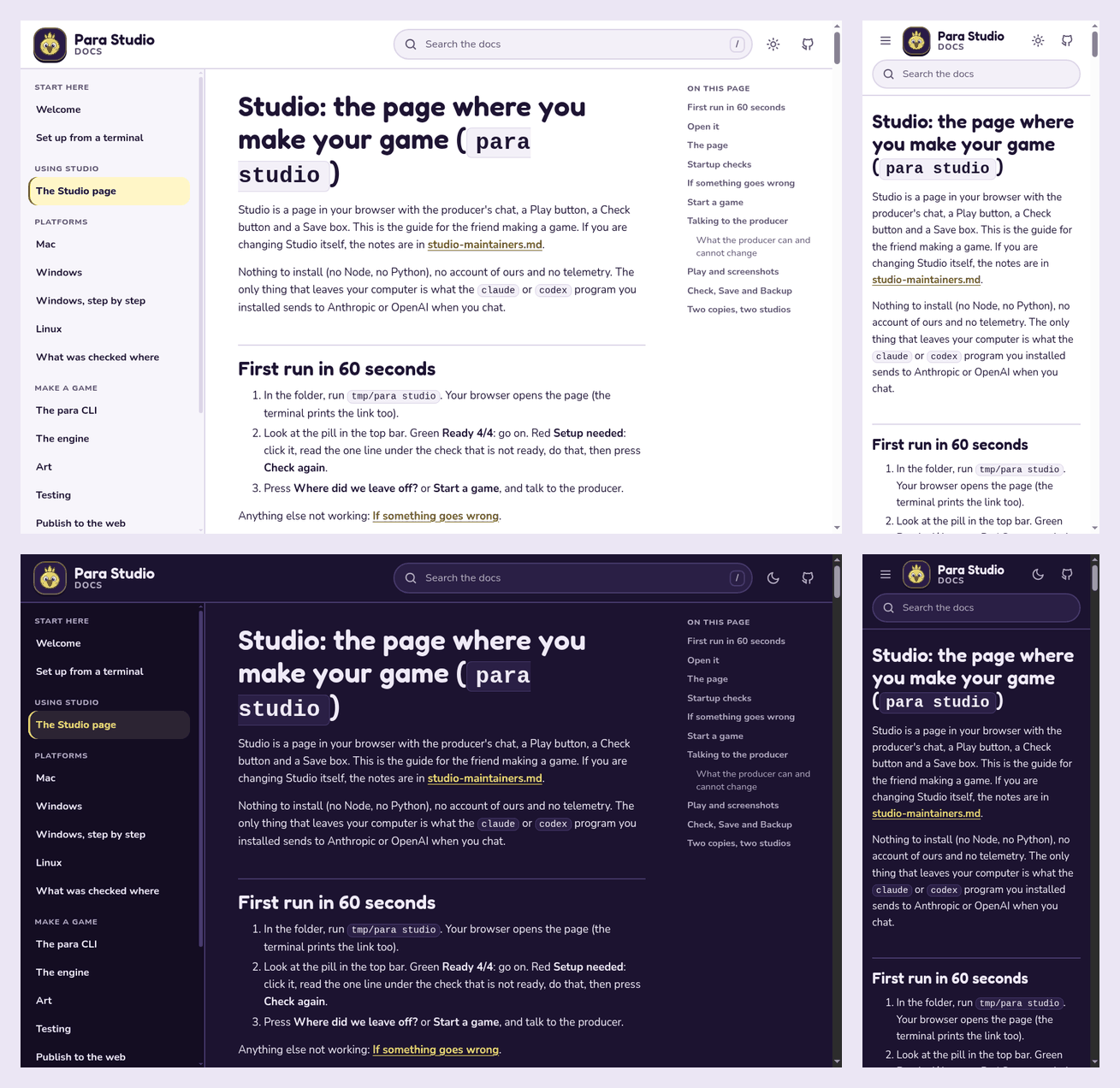
Every text colour pair passes WCAG AA in both looks: the lowest is the light look's link gold on
the code background (5.5:1), and the focus ring is at least 3.5:1 against every background. The
site can be used with the keyboard alone: a skip link, visible focus rings, / to search, the arrow
keys and Enter in the results, and Escape to close the menu or the results.
Why this and not a docs framework
The site needed search, a left navigation, light and dark looks and a phone layout, in the Studio's look, built by one command, with as few new moving parts as possible in a Nim repository that already uses uv and Python for its art tools.
Chosen: a small Python builder (tools/docs/build.py, about 500 lines, one pinned
dependency). It renders the markdown with markdown-it-py, wraps it in the Studio Desk theme and
writes a search index. All the checks above live in the same script, and the look is the Studio's
own CSS, not a framework theme bent to match.
Runner-ups:
- MkDocs with Material. The most complete off-the-shelf option (search, navigation, light and
dark). Not chosen: about twenty pinned Python packages for one site; Material fetches Google
Fonts unless told not to; matching the Studio look means overriding its templates and fighting
its styles; links to files outside
docs/need a plugin or hook; and Material itself is now in maintenance mode. - mdBook. One binary, built-in search and themes. Not chosen: a Rust binary to download and
pin per platform, a
SUMMARY.mdthat would have to live indocs/, a theme that is changed by overriding handlebars templates, and link checking needs a second plugin binary.